TikTok ideas for apps: 20 posts that show your app without feeling like an ad
Updated · 6 min read
You built an app. Now everyone says you need to be on TikTok. The hard part isn't the posting. It's knowing what to post when your app is a bunch of screens and you don't want to dance on camera.
This page gives you 20 ideas that work for apps, grouped by the kind of post. Each one is something people already watch on TikTok, with your app slipped in where it belongs. Pick three, post them this week, and keep the one that gets saved or shared the most.
The one rule: show the app doing its job
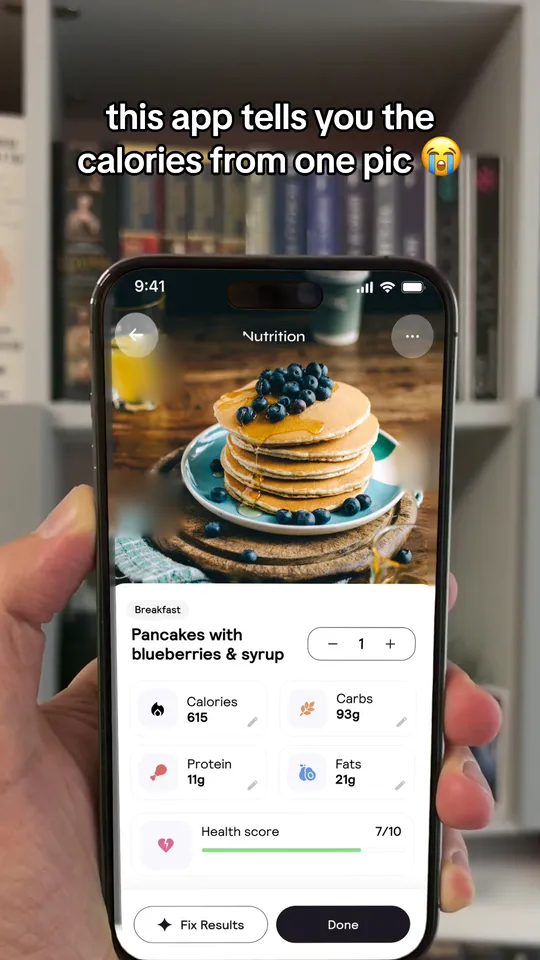
The app posts that bring users have one thing in common. The app does its one thing on screen, fast. Cal AI's creators kept making their normal "what I eat in a day" videos and scanned one meal with the app, so the calories showed up on screen (Sub Club, October 2026). Nobody felt sold to. They saw the app work.
Views alone don't pay the bills. Cluely's founder wrote that one of their videos got 49 million views and brought fewer than 100 downloads. So every idea below either shows your app working or ends on it.
App screen ideas (the ones that bring users)
"this app tells you the calories from one pic"
1. The one-thing demo. Record the single action your app is best at, start to finish, in under 15 seconds.
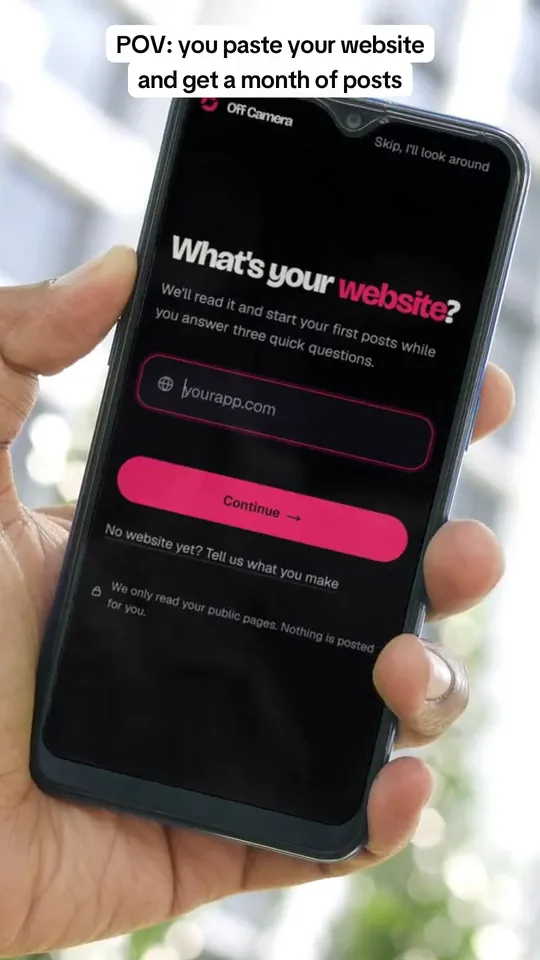
"POV: you finally found an app that does [the annoying thing] for you"
2. The POV. Start with the problem as the viewer feels it, then show your screen as the fix.
"i tried [your app] on my worst [habit / photo / budget]"
3. The worst-case test. Use the app on something messy and real. People stay to see if it works.
"my friend didn't believe this app could do this"
4. The doubter. Someone else's reaction makes the demo feel less like an ad.
"things this app does that it doesn't tell you about"
5. Hidden features. Each slide or clip shows one small feature with a real screen.
Keep these short. App screen loops of 8 to 15 seconds are normal. Always add a sound: none of the nine app screen posts with earned views that we studied in September 2026 was silent.
Slideshow ideas (the ones people save)
A slideshow is a TikTok photo post: 5 to 10 pictures people swipe through. Lists work best, because people save lists to come back to. Put your app in the list among others, not on the cover.
"5 apps that run my whole week"
6. The app stack. Four apps you really use, plus yours. Show each app's real screen.
"apps i wish i knew about sooner"
7. Wish-I-knew. A list of apps that fixed real problems. Yours sits in the middle or at the end.
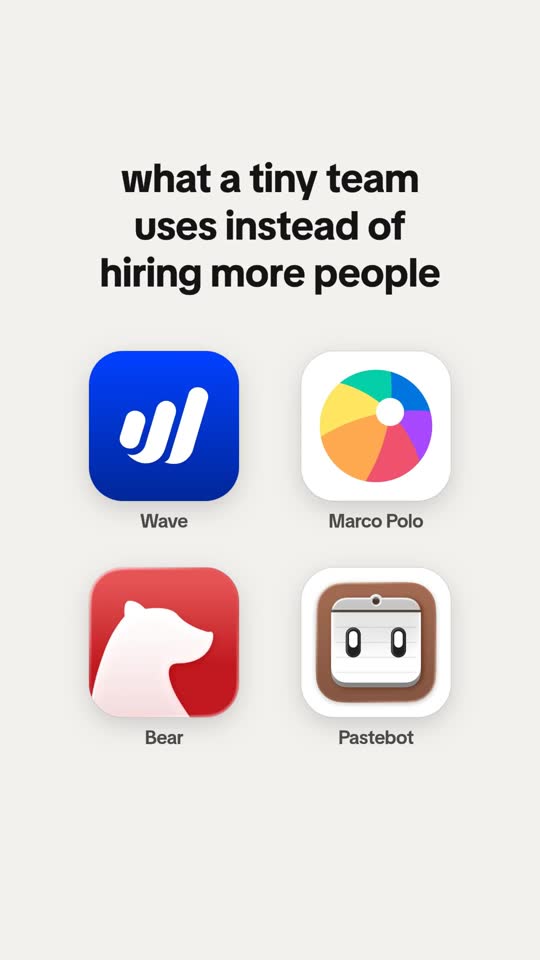
"what a tiny team uses instead of hiring more people"
8. The swap list. Each slide is a job your users hate, and the tool that does it.
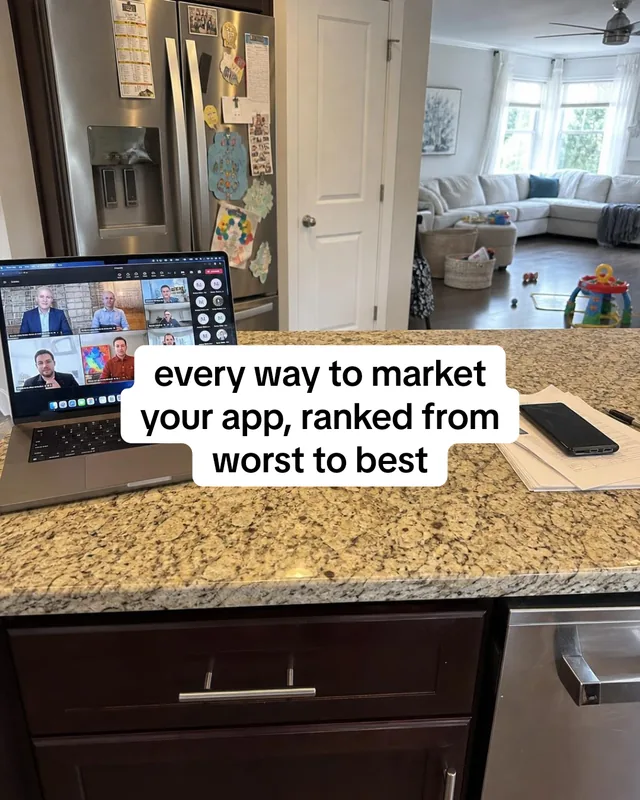
"every way to [reach your goal], ranked from worst to best"
9. The ranking. Slides go from worst to best. Your app is the last, best one, with its real screen.
"mistakes i made before i started using [category] apps"
10. The mistakes list. Each slide is one mistake your users make.
Meme and story ideas (the ones people share)
"Customer at 1am: 'quick question'"
11. The work meme. A moment every user of your app knows, with a picture that matches the feeling.
"me pretending i don't check [your app] 40 times a day"
12. The guilty habit. Light and true. Works for habit, money and fitness apps.
"pranking my dad: i ran his 'light' breakfast through [your app]"
13. The prank. A harmless prank on a family member, a photo, the app at work, and their real replies.
"day 1 of using [your app] for 30 days"
14. The challenge. A numbered series gives people a reason to come back for part 2.
"POV: you've been doing [task] the hard way for 3 years"
15. The slow realization. Pairs well with a wall of text over a short clip.
Founder ideas (no face needed)
"i built this app because [one true story]"
16. The why. One real moment that made you build it. Text over a photo of your desk is enough.
"what our app looked like on day 1 vs today"
17. Before and after. Two real screens side by side.
"a user sent us this and i can't stop thinking about it"
18. The real message. Only with the user's yes, and only real messages.
"we're adding the feature you asked for. here's how it works"
19. The update. Show the new feature working on a real screen.
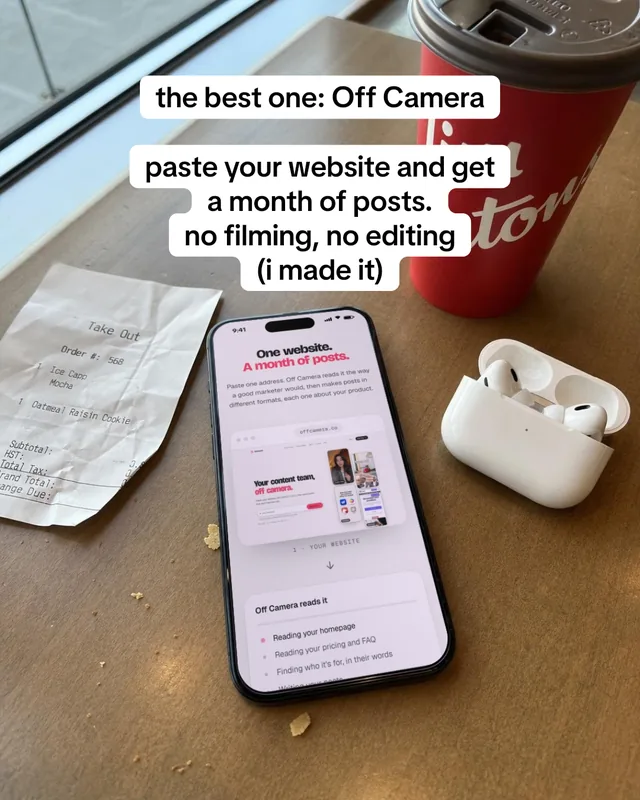
"(fyi: i made this app)"
20. The reveal. Post a useful list, then say in the caption that one of the apps is yours. Founders use this line a lot.
How to start this week
Step 1: Pick three ideas from three groups
One app screen video, one list slideshow, one meme. You'll learn faster from different kinds of posts than from three of the same.
Step 2: Write the first line first
The first line on screen decides if people stay. Write five versions and keep the plainest one. Our hook idea picker can help.
Step 3: Use your real app
Screen record your app on your phone. Real screens beat stock video, and they can't break the reused-content rules.
Step 4: Post, then wait a week
Read each post's numbers after about a week. Count saves, shares and profile visits, not just views.
Step 5: Make more of what got saved
Take your best post and make it again with a new first line. The topic and the hook move views more than the design.
Turn on "Your brand" for posts about your own app
Since TikTok's September 2026 rules, posts that promote your own business should have the "Your brand" content disclosure switched on. Skip it and TikTok may cut the post's reach.
Questions people ask
What are good TikTok ideas for an app?
Start with a short screen recording of your app doing its main job, a list slideshow with your app as one item, and a meme about a moment your users know. These three cover what people watch, save and share.
Do I need to show my face to promote my app on TikTok?
No. App screen videos, slideshows, memes and walls of text all work without a face. A hand holding a phone is enough for most app posts.
How long should an app TikTok be?
App screen videos usually run 8 to 15 seconds. Stories, pranks and lists can run longer, up to a minute or more, if every second earns its place.
Should I put my app's name in the first second?
Usually not. Open with the viewer's problem or a surprising result. Name the app later, on the screen, or in the caption.