How to promote an app on TikTok for free (a plan for founders with no budget)
Updated · 5 min read
Paid ads charge you for every view, and creators charge for every video. If you have no budget, your own posts are the way in, and TikTok is one of the few places where a brand-new account with zero followers can still reach strangers.
This is a plan you can start today. It takes about an hour to set up and then a few minutes a day.
Set up the account (one hour)
Step 1: Make a Business account in your app's name
Use the app's name as the handle if you can. In the bio, say what the app does in plain words, like "tracks your calories from one photo". A Business account gets the analytics you'll need later.
Step 2: Add your link the right way
TikTok doesn't give every account a clickable bio link. Later reported that a Business account needs 1,000 followers for one. Until then, write your website in the bio text and in a pinned comment.
Step 3: Know the two rules that can sink an account
Since September 2026, TikTok keeps reused clips with nothing new out of the For You feed, and an account that posts a lot of them can lose the feed for the whole account. Posts about your own app also need the "Your brand" switch on. Use your own screens and words and you're safe on both.
Step 4: Record five short screen clips of your app
Open your app on your phone and screen record the main thing it does, five times, on five different real examples. These clips are the raw material for half your posts.
Pick three kinds of posts
Don't try every format. Three kinds of posts cover what people watch, save and share. Rotate between them.
1. Your app on screen
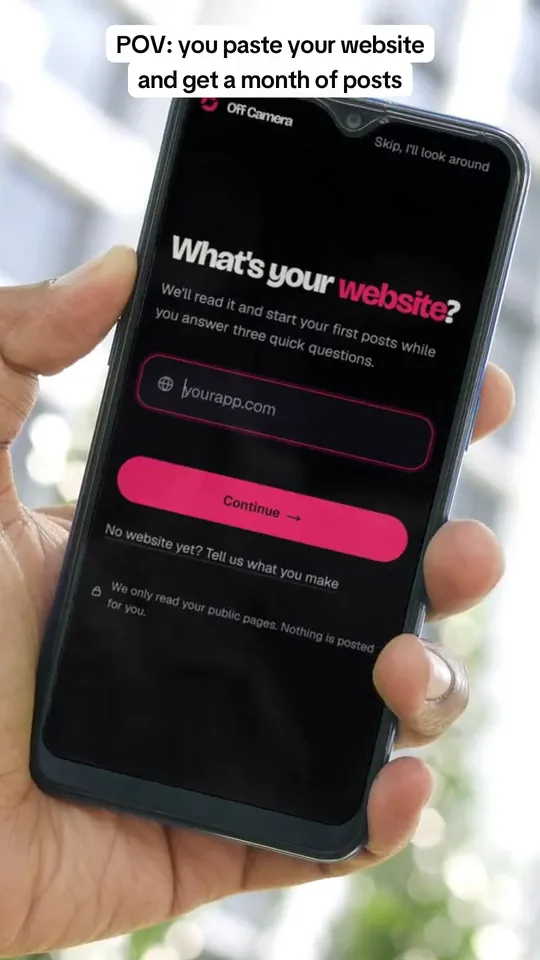
An 8 to 15 second screen recording or a hand holding the phone, with one line on top. This is the kind of post that turns viewers into users, because they see the app work. Coconote, a note-taking app, got a reported 41 million views from a student's laptop screen recording (Social Growth Engineers).
2. A list slideshow
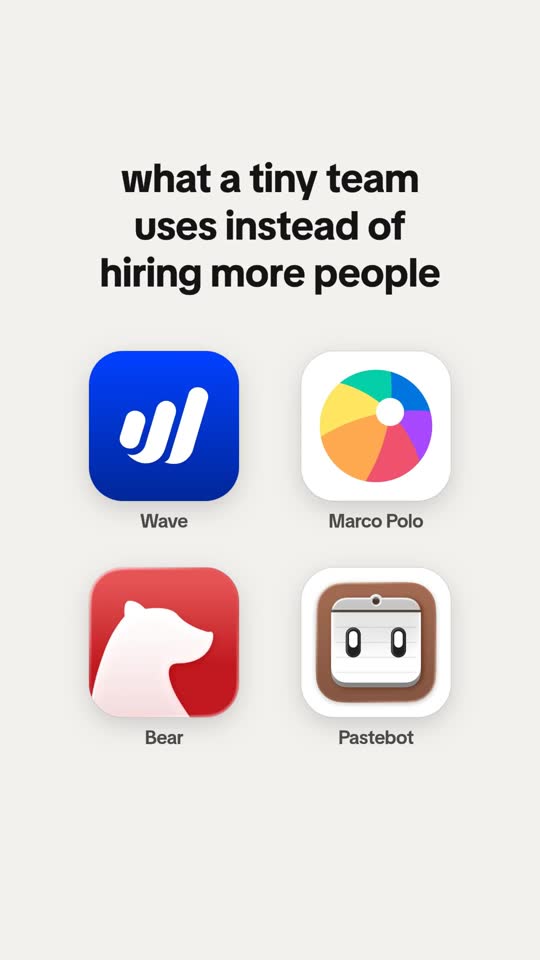
Five to ten pictures, one idea each: "apps that run my whole week", "mistakes I made when I started budgeting". Your app is one item, shown with its real screen. People save lists, and saves tell TikTok your post is worth showing to more people.
3. A meme or a story
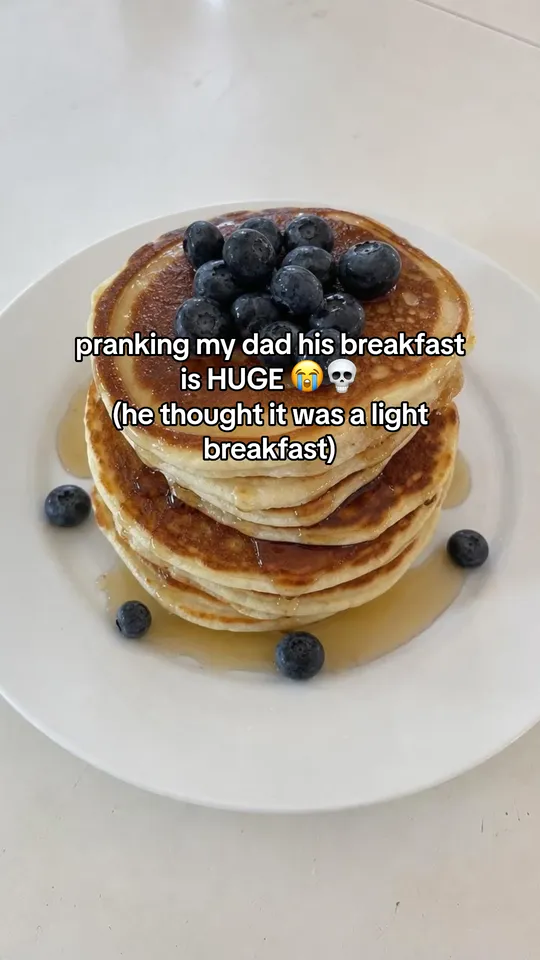
A joke about a moment your users know well, or a short story with a twist. These get shared. End them on your app when it fits, but don't force it.

Post on a schedule you can keep
Buffer looked at 11.4 million TikTok posts and compared each account with itself. Accounts posting 2 to 5 times a week got 17% more views per post than when they posted once a week, and 6 to 10 times a week got 29% more. Steady posting beat bursts.
For a founder with no team, 4 to 7 posts a week is a good start. Pick a number you can keep for six months, not one you'll quit in two weeks. Our posting schedule maker turns your number into a week you can copy into your calendar.
Write posts that don't feel like ads
- Lead with the viewer, not the app. "POV: you finally stopped forgetting to drink water" beats "Introducing HydroTrack 2.0".
- Name the app late. On the last slide, on the screen, or in the caption. Founders often end the caption with "(fyi: i made this)".
- Ask a real question in the caption. Metricool found a question in a TikTok caption got 26% more comments, while asking for likes got 60% fewer likes.
- Use 3 to 5 hashtags. Pick ones people would search, like the problem your app solves. Check yours with our caption checker.
- Add a sound every time. Business accounts can only use TikTok's Commercial Music Library, so pick from there.

Count what brings users
Big view counts can fool you. Cluely's founder wrote that one 49-million-view video brought fewer than 100 downloads. Kapwing shared that a Reel with over a million views brought 130 followers and 290 link taps.
Step 1: Read each post twice
Check the numbers at 3 days and again at 7 days, so you compare posts at the same age.
Step 2: Write down four numbers
Views, saves plus shares, profile visits and new followers. Saves and shares per 1,000 views tell you if a post is worth making again.
Step 3: Ask new users where they found you
Many people type your website instead of tapping a link. A one-question "where did you hear about us?" catches them.
Step 4: Judge a kind of post after five tries
One post proves nothing. After five posts of one kind, compare their middle result with your other kinds and keep the winner.
Free doesn't mean slow
The cost of free promotion is your time. The plan above takes about an hour to set up and then 15 to 30 minutes a post if you make everything by hand.
Questions people ask
Does promoting an app on TikTok work?
It can, when posts show the app doing its job. Many apps got their first users this way. But views alone don't bring users, so count saves, profile visits and sign-ups, not just views.
How can I promote my app on TikTok for free?
Post your own content on a Business account: short screen recordings of your app, list slideshows with your app as one item, and memes your users relate to. Post 4 to 7 times a week and keep the kinds of posts that get saved.
Should I pay for TikTok Promote?
Not at first. Post for a few weeks without paying, find the post that does best on its own, and only then think about paying to show that one post to more people.
How do I target a US audience on TikTok?
Free posts go to whoever TikTok thinks will like them, mostly people near you and people who speak your language. Write in US English, post at times your US users are awake, and talk about things they know.
Keep reading
Sources
- Buffer: How often should you post on TikTok (11.4M posts, Oct 2025) (opens in a new tab)
- Metricool: TikTok study (May 2026) (opens in a new tab)
- Cluely: Roy Lee on virality (Sep 2025) (opens in a new tab)
- Kapwing: what we learned after a Trial Reel hit 1 million views (opens in a new tab)
- Social Growth Engineers: Coconote's playbook (opens in a new tab)
- Later: How to add a link in your TikTok bio (Feb 2025) (opens in a new tab)
- Planoly: commercially licensed vs trending sounds (Apr 2026) (opens in a new tab)
- TikTok Community Guidelines: Integrity and authenticity (opens in a new tab)