How to make TikTok slideshows that people actually swipe through
Updated · 4 min read
A TikTok slideshow is a set of photos people swipe through, with a sound playing under them. TikTok calls it a photo post. You don't need to film or edit anything, which makes slideshows the easiest way to post every day.
Making one takes two minutes. Making one people swipe to the end takes a plan. Here it is, step by step.
Make a slideshow in 8 steps
Step 1: Pick a list, not a lecture
Decide what the list is before anything else: "5 apps I use every day", "mistakes new plant owners make", "what $40 gets you at our shop". A list gives people a reason to keep swiping. Need ideas? See our 25 slideshow ideas.
Step 2: Write the cover line
The cover is the hook. Use 5 to 13 plain words that promise one clear thing. "things i wish i knew before opening a bakery" works. "Bakery insights for 2026" doesn't.
Step 3: Plan 5 to 10 slides
One idea per slide, 2 to 15 words each. Put your best item second, so people who swipe once want to keep going. If your product is in the list, put it in the middle or last.
Step 4: Find a real photo for every slide
Each slide should show the thing it talks about: the real app screen, the real dish, the real tool. Phone photos beat polished stock. Plain colored slides full of tips get skipped.
Step 5: Size it 1080 by 1920
That's the tall 9:16 shape that fills a phone screen. 1080 by 1350 (4:5) also works and is the same shape Instagram uses for carousels, so one set can go to both.
Step 6: Put the text where people look
Center the words, keep them away from the bottom fifth of the slide (the caption and buttons cover it), and use white boxes behind black text, or white text with a thin dark outline. That's the style TikTok users read fastest because they see it every day.
Step 7: Upload as photos and add a sound
In TikTok, tap the plus, pick your pictures from the Photos tab, and post them as a photo post so people can swipe. Pick a sound before you post. Business accounts can only use TikTok's Commercial Music Library.
Step 8: Write a short caption with a question
One friendly line, then 3 to 5 hashtags. A real question gets more comments: Metricool found 26% more comments on TikTok captions with a question. Check your length and hashtags with our caption checker.

What makes a slideshow get views
TikTok shows your post to a small group first, then to more people if they watch, swipe, save and share. For a slideshow, two things matter most: people swipe past the cover, and people save it at the end.
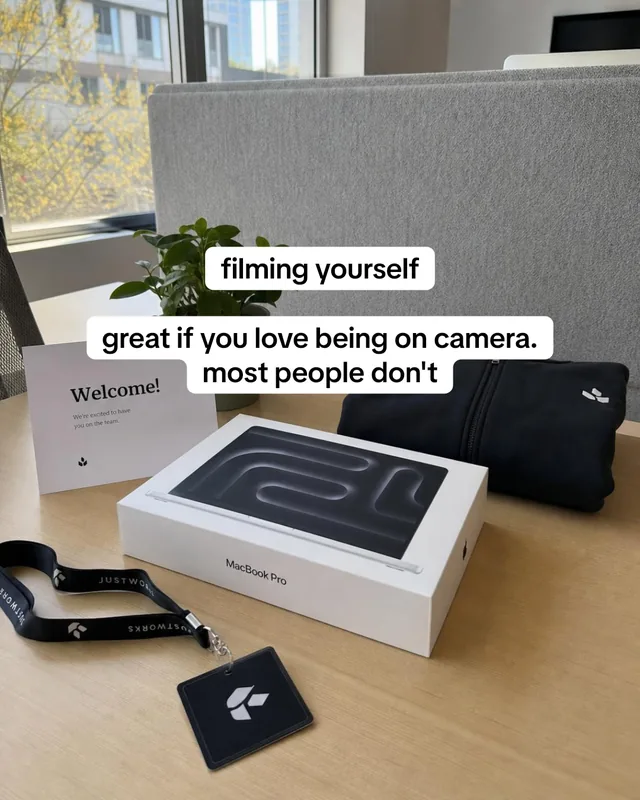
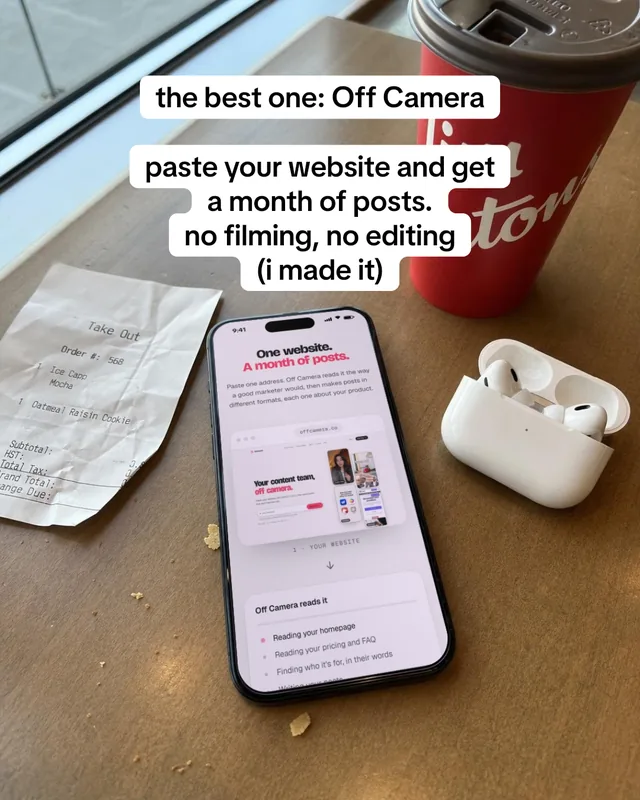
- The topic beats the design. We watched one slideshow template get 29 thousand views on one topic and 1.2 million on another. Try new topics before you try new fonts.
- Specific beats general. "5 apps that cut my grocery bill" beats "useful apps".
- Numbered series bring people back. A cover like "powerful websites you should know (part 761)" passed a million views. Part numbers tell people there's more.
- Real photos beat graphics. Every winning list we studied in September 2026 showed a real photo of each item after the cover.
- Your product as one item. In the posts we studied, lists that read like one brand's ad did worse than lists where the brand was one good answer among several.


Common mistakes
- A logo or brand name on the cover. People scroll past what looks like an ad.
- Paragraphs on a slide. If it takes more than three seconds to read, cut it.
- Text at the very bottom, where TikTok's caption covers it.
- No sound. Silent posts look unfinished.
- Reusing someone else's photos or slides. TikTok keeps reused material out of the For You feed.
Slideshow or video?
Studies disagree on TikTok. Fanpage Karma found carousels got 81% more engagement, while Buffer and Metricool found videos got more views. On Instagram it's clearer: Socialinsider found carousels got more views per post than Reels for accounts with 1,000 to 5,000 followers (993 against 580). The fair answer is to post both and compare on your own account after five posts each.
Questions people ask
What size is a TikTok slideshow?
1080 by 1920 pixels (9:16) fills the screen. 1080 by 1350 (4:5) also works and matches Instagram carousels.
How many photos can a TikTok slideshow have?
TikTok allows up to 35 photos in one photo post. Lists of 5 to 10 slides are the ones people tend to finish.
How do I make a TikTok slideshow swipe automatically?
Photo posts move on by themselves while the sound plays, and viewers can also swipe. If you want full control of timing, turn the photos into a video instead, but then people can't swipe back.
Can photo posts on TikTok get more views?
They can. Results vary by account and topic. Lists that people save tend to keep getting shown, so a strong list can outlast a weak video.
Keep reading
Sources
- Metricool: TikTok study (May 2026) (opens in a new tab)
- Fanpage Karma: carousel vs video performance (2025) (opens in a new tab)
- Buffer: the best content format on social media (Mar 2026) (opens in a new tab)
- Socialinsider: Instagram benchmarks (Feb 2026) (opens in a new tab)
- Planoly: commercially licensed vs trending sounds (Apr 2026) (opens in a new tab)